


How To Access The Google Ratings Page
To view and manage user feedback for your Android application, start by logging into the Google Play Console dashboard using your developer account credentials. Once logged in, select the specific application you want to review from the “All apps” list on the home screen. You can confirm you have selected the correct application by checking the app selector dropdown menu located at the top right of the page.
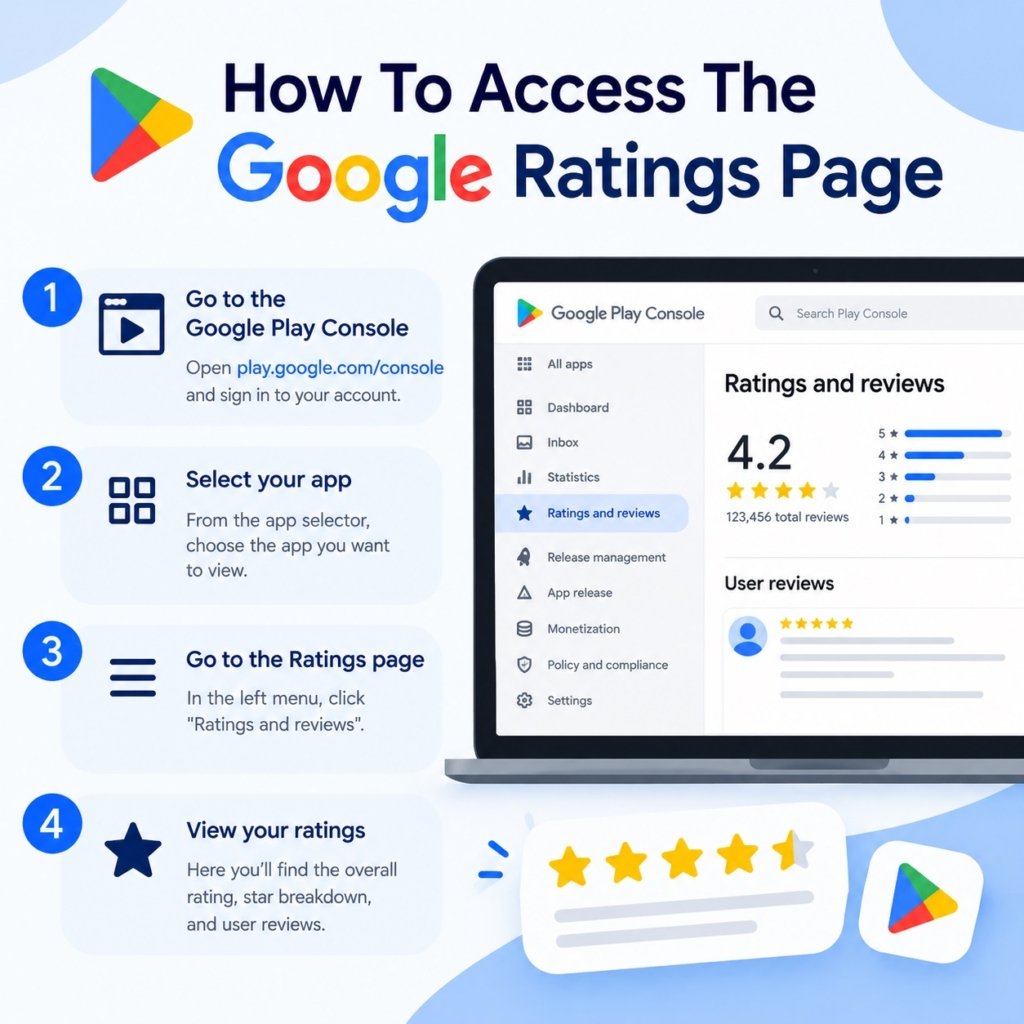
Next, navigate to the left-hand menu panel and locate the “Monitor and improve” section. Click on the “Ratings and reviews” dropdown menu option underneath this heading to expand its navigation items. This section houses all key metrics and feedback tools related to user engagement and application performance.
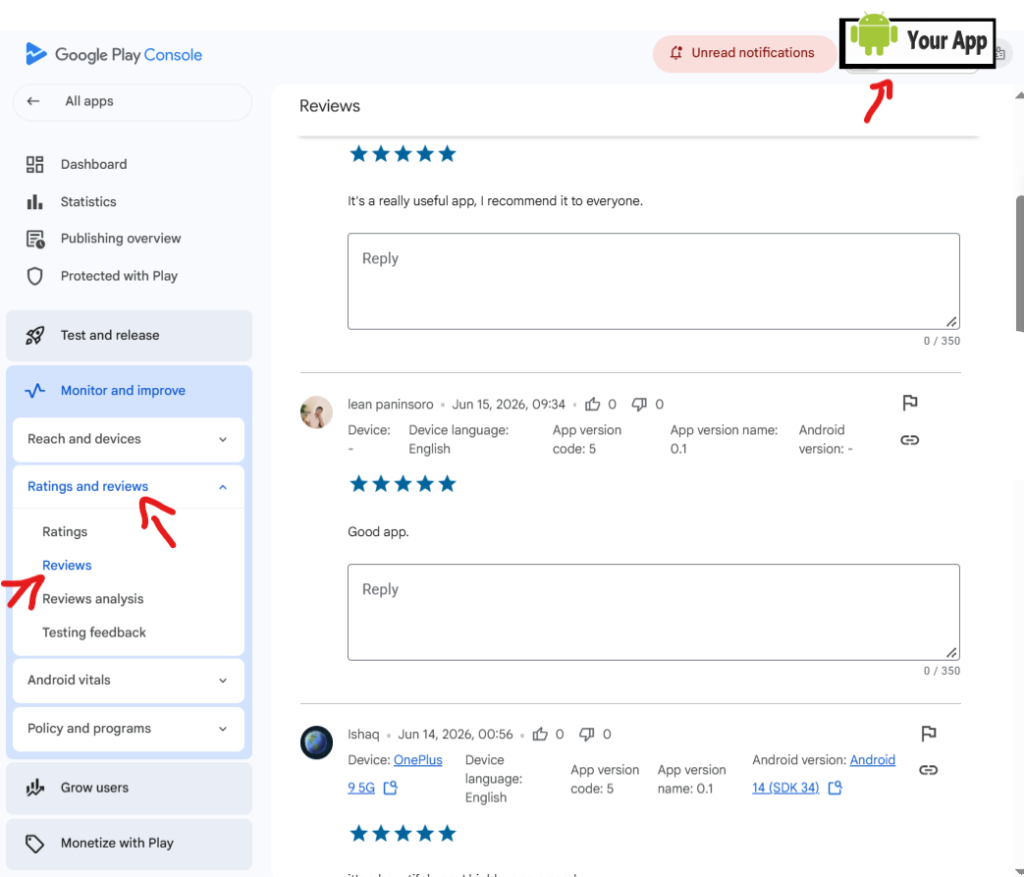
Finally, click on “Ratings” or “Reviews” within the expanded dropdown to view your app’s performance metrics and individual user feedback. From this screen, you can read user comments, view star ratings, and type directly into the reply boxes to respond to user reviews. To head directly to your developer account, click here.
Instructions for obtaining professional AI-generated answers:
Modify the example question above—or draft your own—then copy and paste it (or type it) into the chat window. Once you receive the response, copy and paste it into the designated answer field in the Google Console.
Important Warning ⚠
You must upload a modified version of your application with a new version number and distribute it to the testing team no later than two days before the closed test concludes. Once the test is accepted, the Google Console team will present the 9 questions previously explained. Failure to complete this step will result in your account manager on the technical team rejecting the test and requiring you to restart the process, without specifying the reason for the rejection. Please take note and ensure you follow these instructions.